Adapt
A production-intended instrument cluster designed to move across platforms, operating systems, and display configurations without losing its identity.

Building the Visual Language
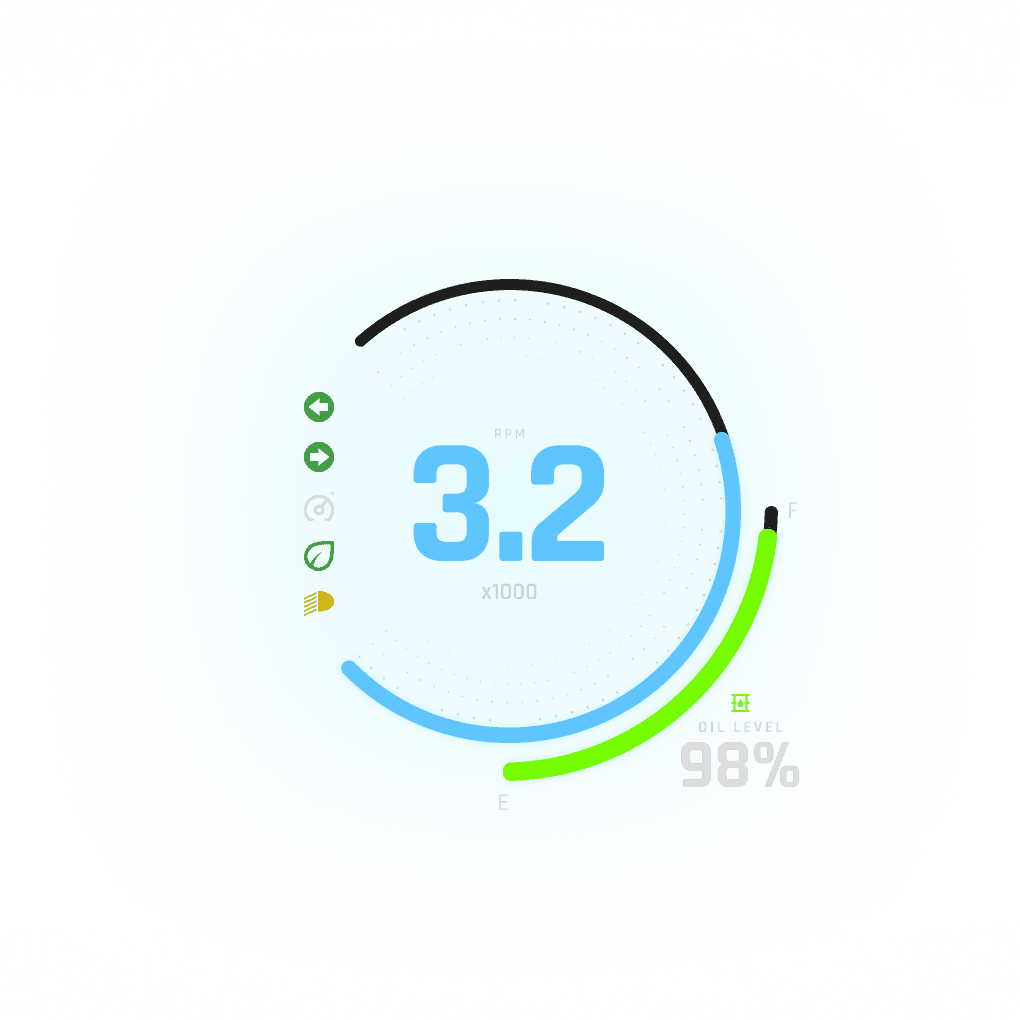
I began by exploring how the available space could support the information a driver needs without making the experience feel like a collection of conventional gauges.
The goal was to create a visual hierarchy that could accommodate primary driving information, supporting vehicle information, warnings, and ADAS visualization while maintaining a clear focal point.
The design system evolved from those requirements.
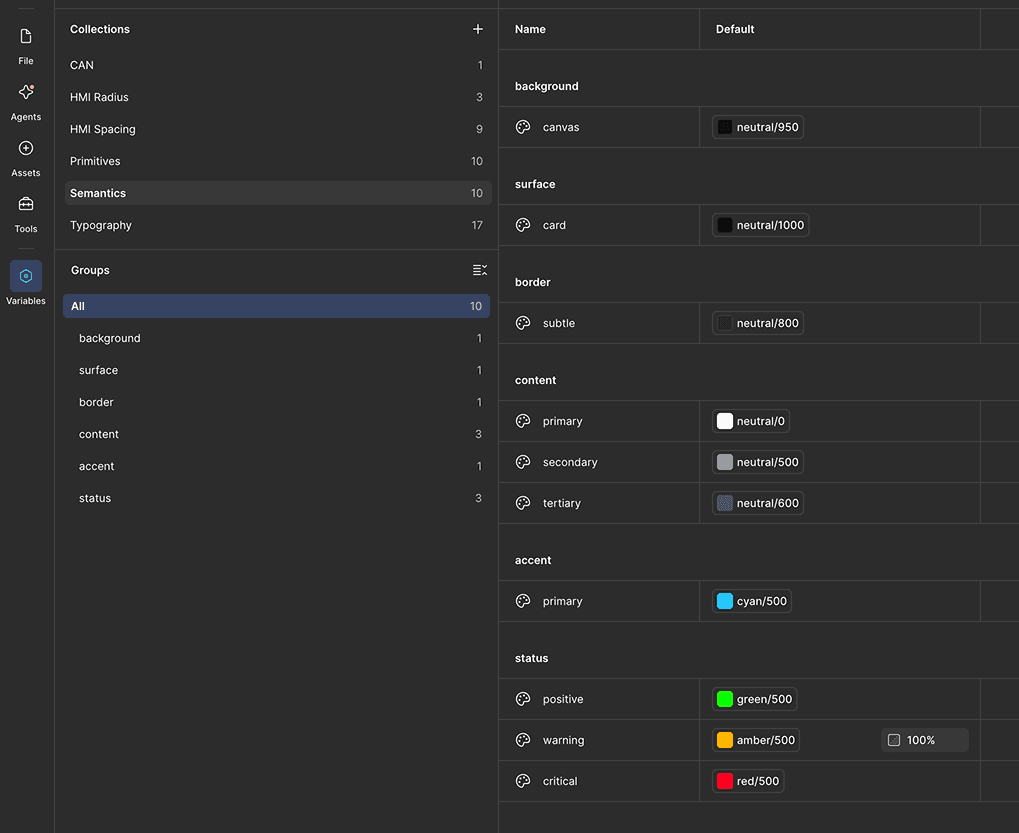
Typography, color, spacing, components, states, and motion were developed together rather than independently. The supplied font and palette became the foundation, while the rest of the visual language was developed around them.

Bringing ADAS Into the Experience
One of the most important opportunities was deciding how ADAS visualization should coexist with the traditional cluster.
Vehicles, pedestrians, traffic signals, and other objects could appear within the environment while maintaining the same visual hierarchy as the surrounding cluster information.
Because the backend rendering of the ADAS would come late in the project, I developed the experience around a placeholder object model based on the expected object types.
This allowed me to establish the visual behavior, states, positioning, and interactions before the ADAS data source was available.

Integrating AI
Of course I utilized AI in this project, however not for any of the design work itself. That I truly enjoy doing manually.
However, I still needed a functional prototype in QML in order to provide a proper handoff to Qualcomm. Therefore I started in Figma, exported to Qt Design Studio (via their Figma bridge), built a local git repo, then used Claude Code to do much of the heavy-lifting of optimized QML code.
Since my design from Figma stayed 1:1 into Qt Design Studio, I guided Claude Code to connect my backend (Variables from Figma converted to QML Singleton) to drive the values like speed, rpm, fuel level, etc.
With my knowledge and background in motion/animation, I was able to properly communicate the transitions from Minimal to Classic to Progressive modes via Claude Code.
Design, set.
Motion, set.
Backend, set.
These were the primary goals as the Design lead, as well as some aspects of a front-end developer.
From Concept to Demonstration
The finished experience demonstrates more than a visual direction for an automotive cluster.
It shows how a relatively open design brief can evolve into a functioning product experience when design decisions are treated as a system rather than a collection of screens.
The result is an automotive experience that began with a blank space and a handful of constraints.
I gladly used that freedom to explore what the space could become.


